My Moonlander Keyboard
Behold! My keyboard! (well, the white one anyway)
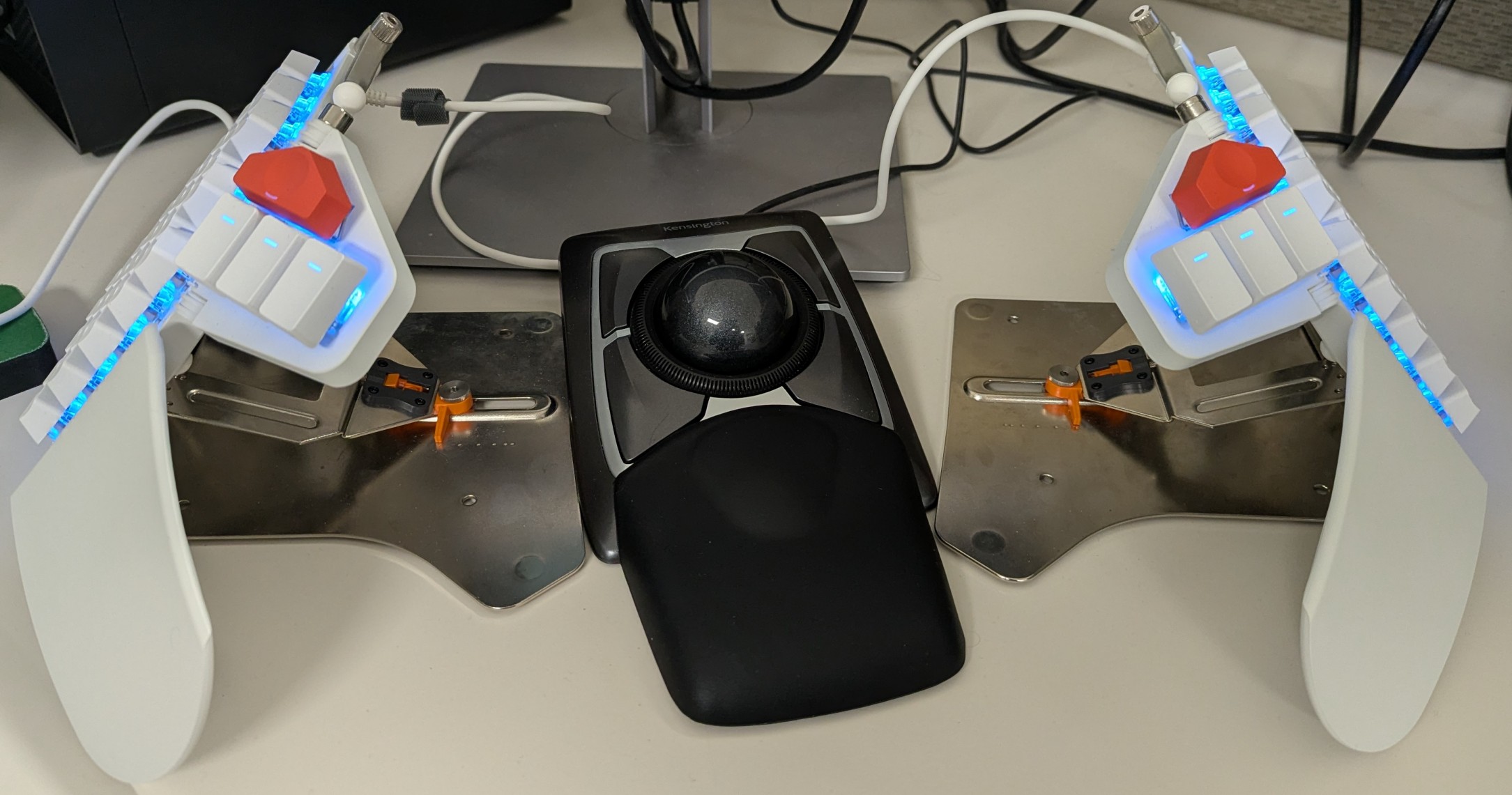
My tented Moonlander keyboard (white)
Yep! I've got a crazy keyboard! A ZSA Moonlander! I've owned it now for about 8 months as of the time of writing (March 2026). I've got the Platform accessory and have tented my keyboard as far as I can take it, 60 degrees. I've spent months slowly adjusting the tenting angle to get to this state. It's extremely comfortable to use, but took a lot of training to get used to. I've never owned a split keyboard nor an ortholinear key layout. I highly recommend getting a keyboard that exhibits both. My persistent wrist pain during typing has vanished, and I attribute that entirely to the change in keyboard. For me, the Moonlander is a match made in heaven, since the possibilities are endless and you can REALLY make the keyboard entirely yours, so if you are looking for a recommendation, in my opinion the ZSA Moonlander is worth every cent!
Let's take a closer look:
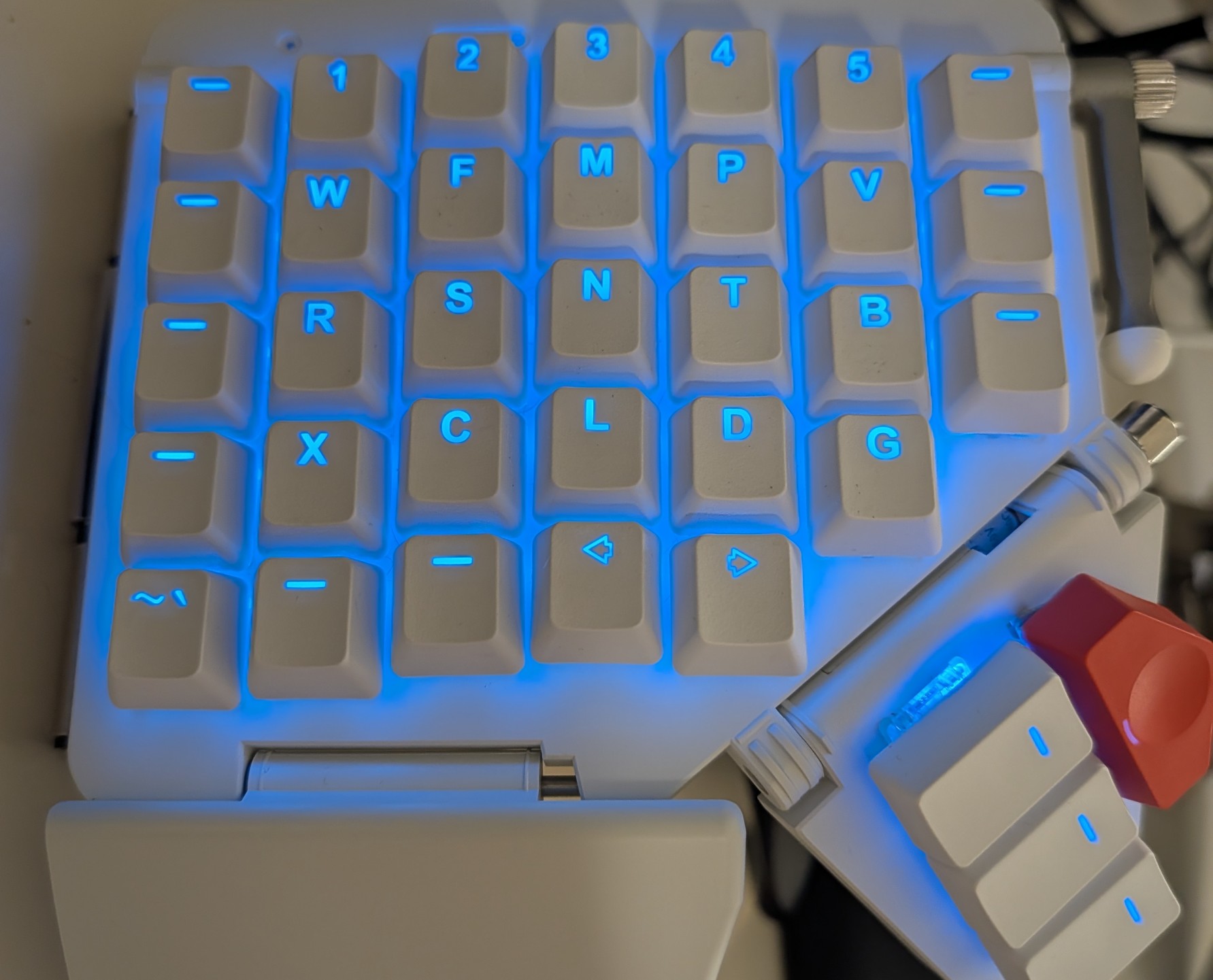
My Moonlander keyboard (white). Left Side.
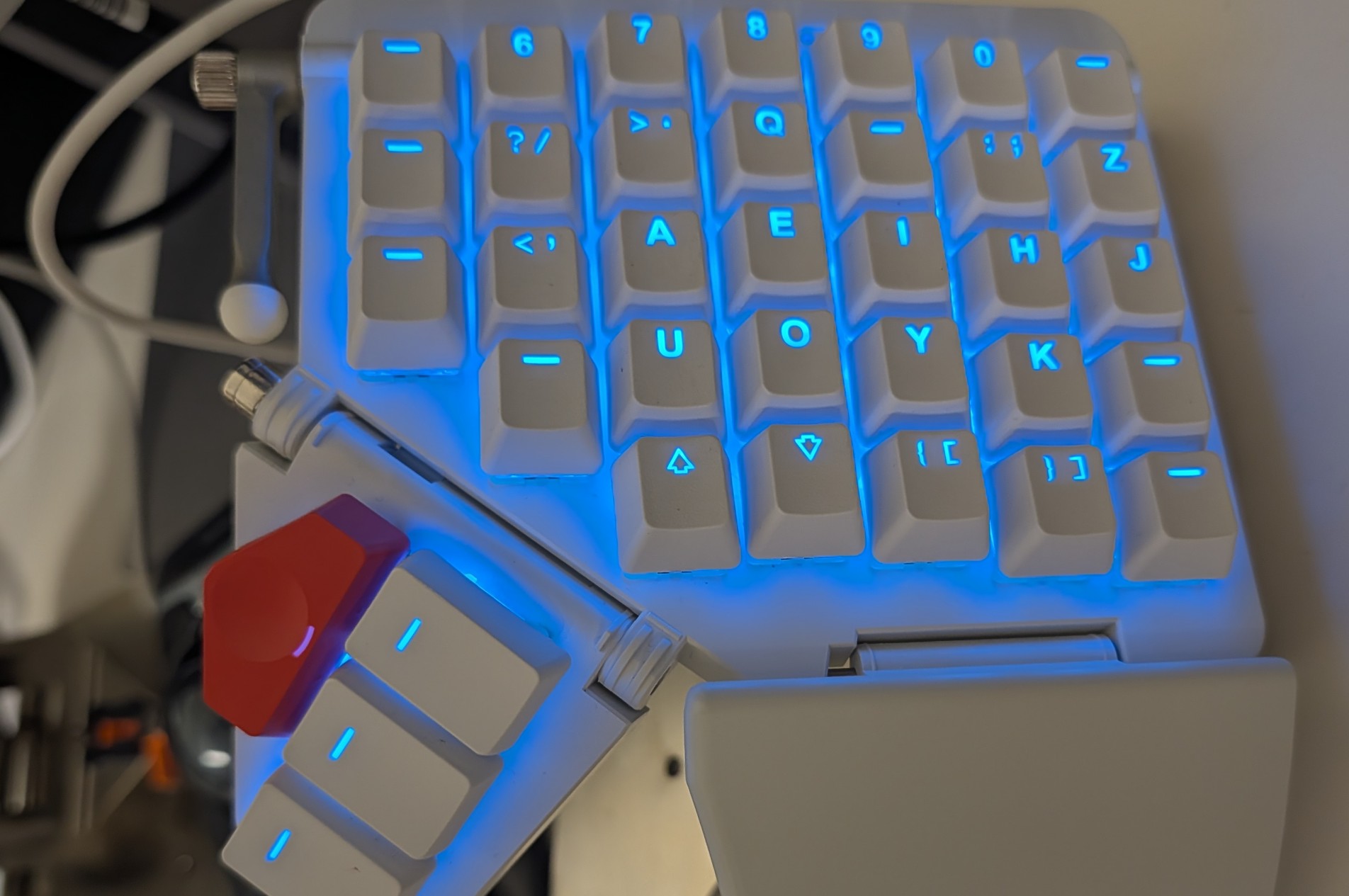
My Moonlander keyboard (white). Right Side.
* March 2026 Update:
I loved my Moonlander so much and missed it so much during the workweek that I decided to get a second one! Welcome to the family!! This is also where the Moonlander's firmware options really shine! It took no time at all to get this second one behaving exactly like my first!
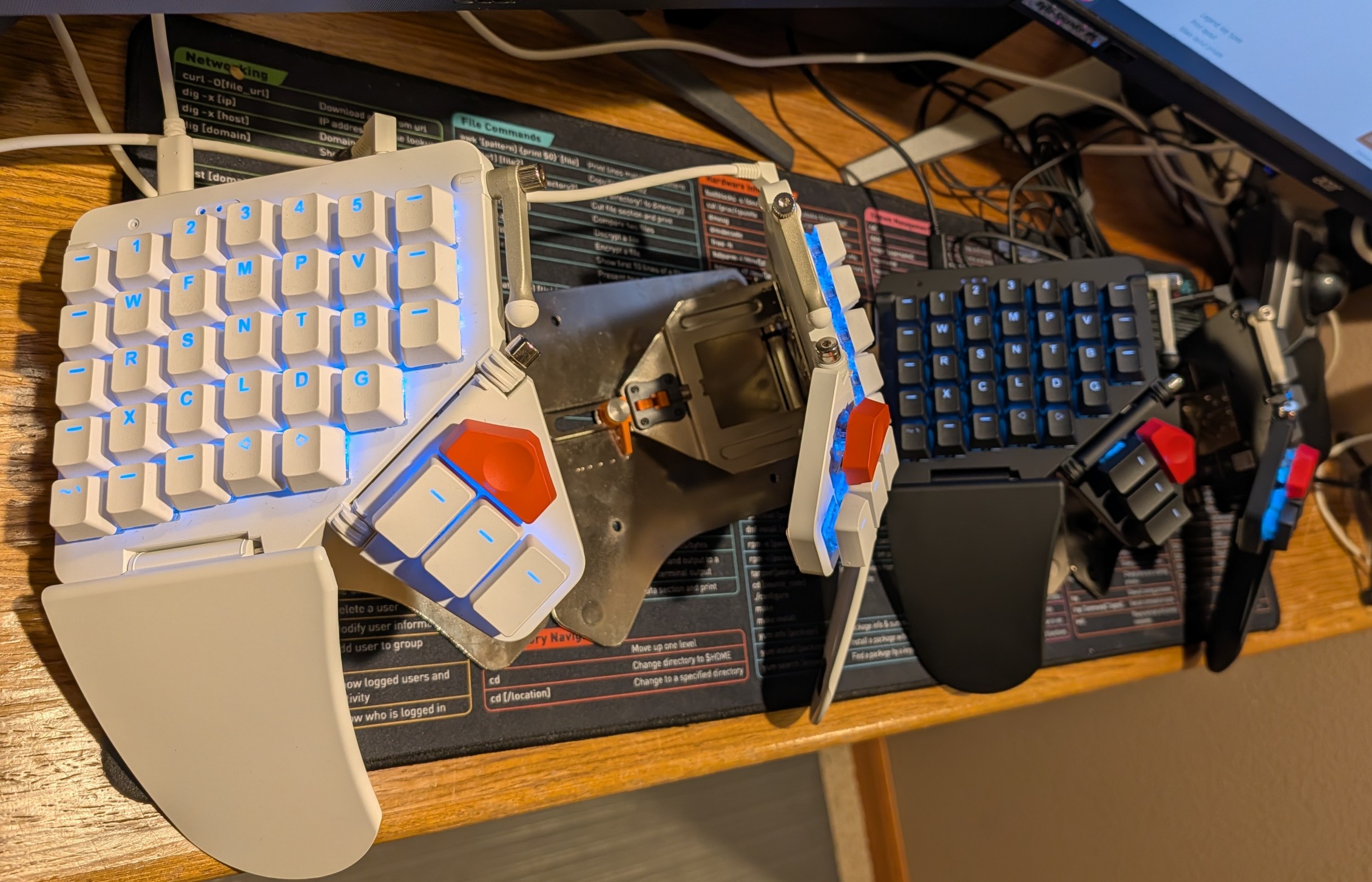
Both my Moonlander keyboards!
My Alternate, Non-QWERTY Layout
Let's talk about my non-qwerty alpha layout.
Moonlanders can be very easily modified to behave precisely as you want, and while I did keep my QWERTY layout for about a week, I gave in to temptation and chose an alternate keyboard layout. I guess I wanted to truly destroy my ability to type and force myself to relearn absolutely everything.
After a few days of deliberation, I chose the Hands Down Neu keyboard layout. I chose it prioritizing comfort and accepted the risk of all the keys being rearranged.
The journey was incredibly difficult at first. Starting in late July, I went from about an 80 WPM typing speed before my new keyboard and layout to barely 10. The act of typing was mentally exhausting, almost painful. I felt like a chlid. I was horribly slow and needed to think deeply for each of the characters I typed. What was worse was I somehow broke my old typing ability, making far more mistakes with my old keyboard and QWERTY, so I was worried I had seriously done some damage to myself.
Thankfully, this pain and slowness did not last forever. After one week, I was at an average of 30 WPM. After a month, I was up to 50. After 6 months, I hit 80, back to the same speed I started at. 8 months in, I am now faster than I have ever been, approaching 90 WPM average. My accuracy started at a pitiful 88% and is now averaging 98% as well.
There are some words that are a true joy to type for me now. Words like 'cloud', 'you', and 'seal' have a simple pleasure to them when I type them. I have a newfound great respect for anyone else who has taken the leap to a new keyboard layout. I can also report quite thankfully that I am able to type on my old keyboard again. I don't know what changed exactly, but somehow the old typing came back after I had gained enough mastery over the new keyboard and layout.
My Layout
Moonlanders are cool because all the keys are fully customizeable. I have spent a great deal of time refining my layout. While I don't expect anyone reading this to use my layout, if you are curious where all the "missing" keys are that are not labeled, you can see how it all works by examining it.
Here it is. Enjoy!